 Programming.de
Archive
This is an archive for some programs and games I programmed along the way, some over 20 years old. Mostly for "historical" reasons, I keep them available here. The programs on this page are all free, except for Jumbo Timer. I cannot guarantee that they work on the latest Windows versions or at all and there will be no more updates and no support. Please use them at your own responsability.
Abandoned Programs

JUMBO TIMER
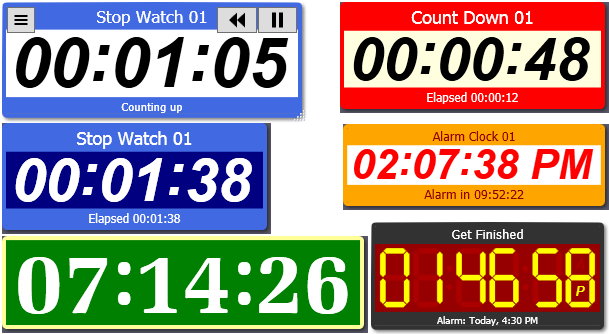 Jumbo Timer can run as stopwatch, count down or alarm clock. Resizable windows with title bar, time display and info bar (optional).
Alarms can be with or without a popup and can be silent or with an alarm sound.
The timer windows can be cloned.
Jumbo Timer can run as stopwatch, count down or alarm clock. Resizable windows with title bar, time display and info bar (optional).
Alarms can be with or without a popup and can be silent or with an alarm sound.
The timer windows can be cloned. Trialware, you can buy a license here
Games
MAGIC LINES
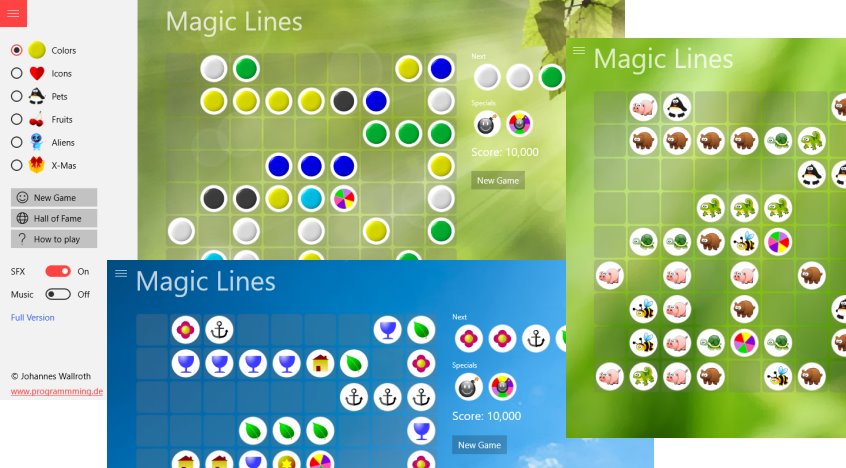 Windows 10 universal game app, for both Windows desktop / tablet devices and for Windows smartphones.
Improved version of the well-known 5-In-A-Row game, but more entertaining and a bit harder to play, with joker and bomb items to make it more interesting and challenging.
Smooth animations and polished appearance.
Windows 10 universal game app, for both Windows desktop / tablet devices and for Windows smartphones.
Improved version of the well-known 5-In-A-Row game, but more entertaining and a bit harder to play, with joker and bomb items to make it more interesting and challenging.
Smooth animations and polished appearance.
Get it at the Microsoft Store
PAC WORLD
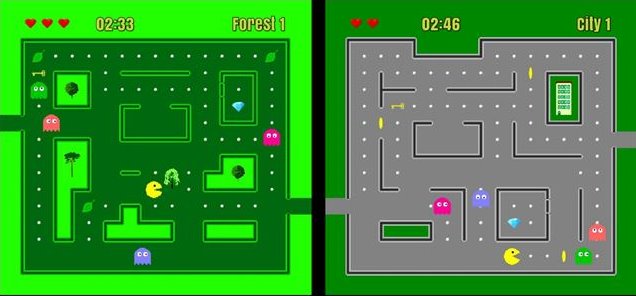 PacWorld 1.0 was released in 2000 - version 2.0 in 2020 and it is available as a Windows 10 app.
With the original graphics from the year 2000, but enhanced, with faster gameplay and three difficulty levels, so it is fun to play for both kids and adults.
Version 3.0 was released in 2023 and is also available as an Android app (search for "PacWorld" in the Google Game Store) or play it on this website
or at Itch.io.
PacWorld 1.0 was released in 2000 - version 2.0 in 2020 and it is available as a Windows 10 app.
With the original graphics from the year 2000, but enhanced, with faster gameplay and three difficulty levels, so it is fun to play for both kids and adults.
Version 3.0 was released in 2023 and is also available as an Android app (search for "PacWorld" in the Google Game Store) or play it on this website
or at Itch.io.
Get version 2.0 at the Microsoft Store
1001 (CARD GAME)
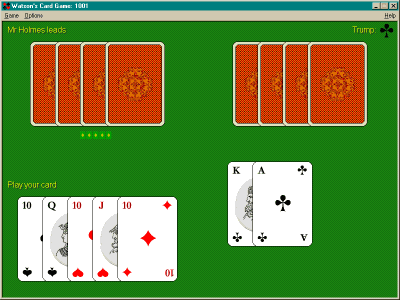 A very nice card game I used to play with my mom and my sister, when I was a kid. There used to be versions for the Palm Pilot (who does remember it?) and the iPad, but they are both no longer available.
Here are the rules for 1000 and 1001
A very nice card game I used to play with my mom and my sister, when I was a kid. There used to be versions for the Palm Pilot (who does remember it?) and the iPad, but they are both no longer available.
Here are the rules for 1000 and 1001
BLOCK GAME
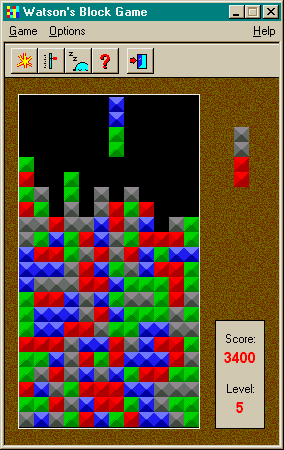 A nice, addictive game in the Color Tetris / Dr. Mario style. Move four in a row with the same color to make them disappear.
The screenshot shows one of my best results, played in level 5 without automatic increase.
Don Crowder, a dear cyberfriend of mine, reached an incredible 71,586 points highscore!
A nice, addictive game in the Color Tetris / Dr. Mario style. Move four in a row with the same color to make them disappear.
The screenshot shows one of my best results, played in level 5 without automatic increase.
Don Crowder, a dear cyberfriend of mine, reached an incredible 71,586 points highscore!
CONCENTRATION GAME
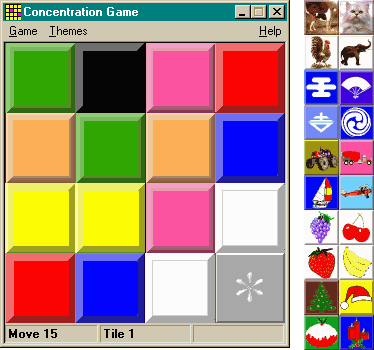 The well-known, simple board game for kids and adults alike. You need concentration and a good short-term memory to play it.
There are 9 different themes (sets of pictures) to choose from.
The well-known, simple board game for kids and adults alike. You need concentration and a good short-term memory to play it.
There are 9 different themes (sets of pictures) to choose from.
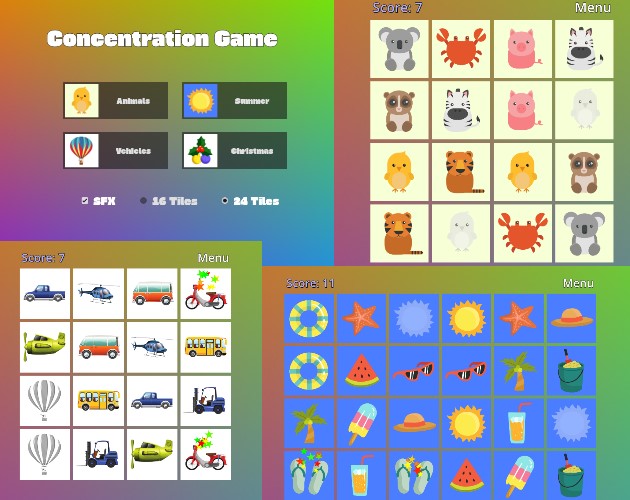 I programmed a new version in Godot in 2024!
You can play it online on this website
or on Itch.io
I programmed a new version in Godot in 2024!
You can play it online on this website
or on Itch.io
KALEIDOSCOPE
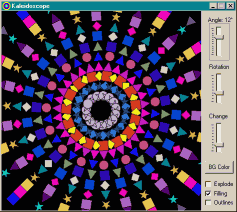 Enjoy beautiful mandala-style ornaments with this Kaleidoscope program.
You can let the shapes rotate, draw only outlines, change the angle and create an "explode effect".
It's amazing how many different scenes you can get from just 6 different shapes (square, rhombus, triangles, circle and star).
Enjoy beautiful mandala-style ornaments with this Kaleidoscope program.
You can let the shapes rotate, draw only outlines, change the angle and create an "explode effect".
It's amazing how many different scenes you can get from just 6 different shapes (square, rhombus, triangles, circle and star).
Tools
EAR TEST / HEARING TEST
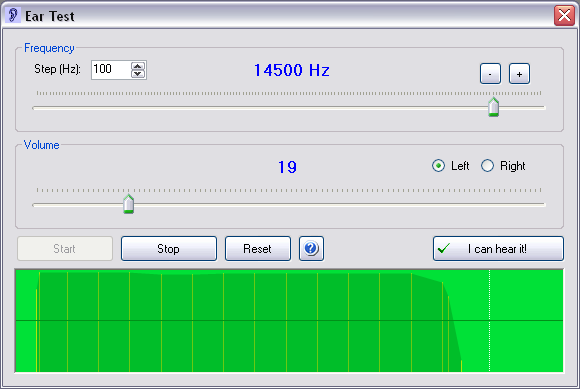 The program is designed to test your ear's capabilities to hear all frequencies of the audible spectrum, separately for each ear.
The test result is drawn as a graphcal chart. The program is not calibrated and cannot replace a medical consultation.
Please be careful while using headphones and do not turn up the volume too much.
The program is designed to test your ear's capabilities to hear all frequencies of the audible spectrum, separately for each ear.
The test result is drawn as a graphcal chart. The program is not calibrated and cannot replace a medical consultation.
Please be careful while using headphones and do not turn up the volume too much.
MULTI CLIPBOARD
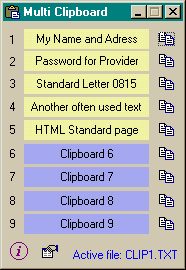 With Multi Clipboard you have access to nine clipboard texts (slots), which you can select either via mouseclick when the program window is active, or via Hotkey "Ctrl + NUMPAD 1.. 9".
This copies the selected slot to the Windows clipboard, from which you can paste it into your active application (for instance with Ctrl + V).
The hotkey "Ctrl + NUMPAD 0" hides or shows the program window, depending on the previous state.
With Multi Clipboard you have access to nine clipboard texts (slots), which you can select either via mouseclick when the program window is active, or via Hotkey "Ctrl + NUMPAD 1.. 9".
This copies the selected slot to the Windows clipboard, from which you can paste it into your active application (for instance with Ctrl + V).
The hotkey "Ctrl + NUMPAD 0" hides or shows the program window, depending on the previous state.
RGB-MIXER (COLOR MIXER)
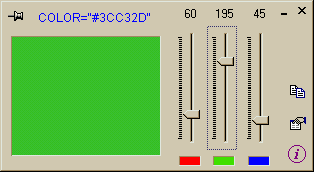 When you build homepages or any other kind of graphic artworks, a tool like this comes in handy.
Mix any desired color with the three sliders. Press ENTER or click button to put colorstring into the clipboard.
You can make the program window stay "always on top" by clicking the pin button.
When you build homepages or any other kind of graphic artworks, a tool like this comes in handy.
Mix any desired color with the three sliders. Press ENTER or click button to put colorstring into the clipboard.
You can make the program window stay "always on top" by clicking the pin button.
MULTIPLE CHOICE
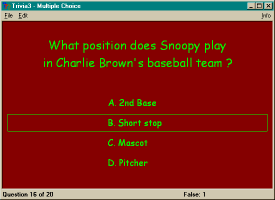 Make up your own Quiz Show! Answer questions while picking the correct one among three or four available answers. The program comes with quite a lot of quiz files, which were kindly sent to me by several authors, but you can easily create your own! Text and background colors can be changed for every file. In the end you can review which questions you answered correctly and which you didn't.
TEST SCREENS
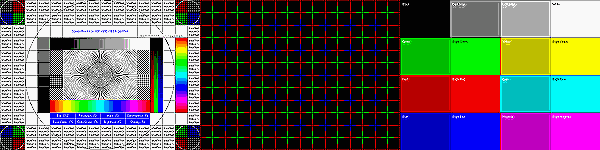 Originally built for CRT monitors, so most test modes are history! Eight modes: sharpness, moiré, geometry, convergence, high voltage supply stability, brightness, color quality and more. Adjusts to any given screen resolution. You can step through the screens with ENTER and "hold" the auto changing screens in the submodes with SPACE.